
Greene County VINE Coverage
VINELink is a free, confidential locator and notification service. Pick Alabama, search for a record supplied by a participating agency, and request alerts where the record allows them. The national mobile listing says VINE reaches thousands of agencies. Broad reach does not mean every jail reports, though. The Greene County Sheriff's Office publishes no county VINE phone number or Greene-specific participation notice on its site.
That gap shapes how to read a Greene County search. A match is a useful lead about custody. A miss proves nothing. The person may have been booked too recently, listed under another spelling, transferred, released, or held by an agency that does not feed the system. For a new booking, compare any result with Arrested Today and the official Greene County Sheriff's Office channels. If custody matters right now, call the jail or sheriff directly.
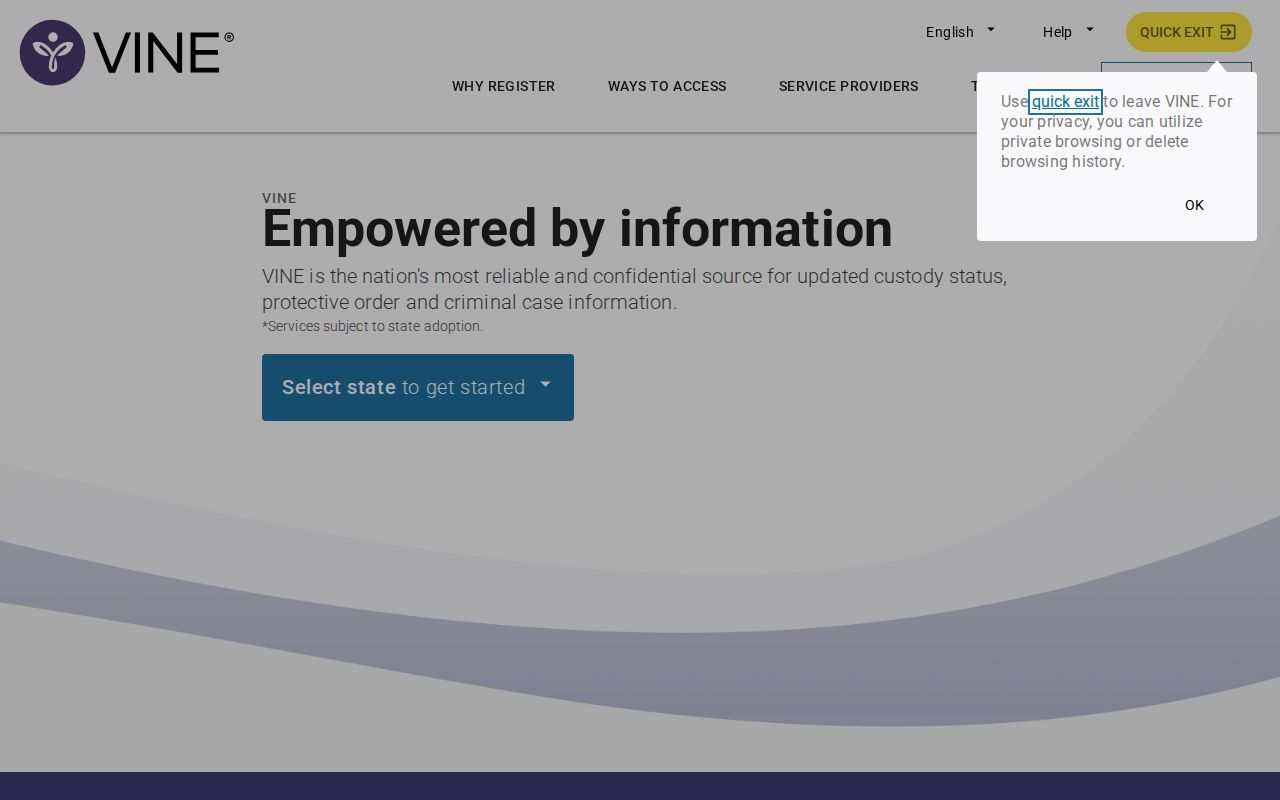
The official Alabama search screen shows the state and agency choices a user starts with. Open the VINELink search source before trusting any result.
Check a Greene County Arrest
Start with enough facts to separate people who share a name. Use a full legal name plus any identifier the interface accepts. A date of birth or an offender number can narrow things down when offered, though the fields vary by agency. Never assume the first similar name is the right person. Compare the facility, agency, age or birth details, and record identifier before acting on the status.
- Open VINELink and select Alabama.
- Choose an agency or facility when the interface offers that filter.
- Enter the person’s name or an available identifier. Try a known alternate spelling if the first search fails.
- Review all possible matches. Compare identifiers and custody details rather than relying on the name alone.
- Open the matching record and note its status, facility, record number, and update information.
- If no reliable match appears, use the county verification path instead of treating the blank result as proof.
A VINELink record is not the underlying arrest report. For booking details, photos when they are kept and public, court records, and later state custody, turn to the county-wide Greene County arrest record guide. VINELink's job is narrower: it locates a custody entry and delivers the alerts the supplying agency makes available.
Greene Arrest Status Fields
Fields differ by deployment, so a record may not show every item. Read each field as a point-in-time report from the contributing system. Custody status can change faster than a public interface updates.
| Possible field | How to use it |
|---|---|
| Name and identifier | Distinguish similar names and preserve the record number for later checks. |
| Custody status | Shows the status reported by the participating source, not a court outcome. |
| Facility or agency | Identifies the office to contact for direct confirmation. |
| Transfer or release event | Signals a custody change; it does not explain how the criminal case ended. |
| Notification option | Appears only when registration is supported for that record. |
Booking charges can be amended, dismissed, or resolved under a different disposition, the court's final result. A release alert only means custody changed. It says nothing about dismissal or the outcome of the case. When the case result is the real question, check the Alabama court record through Just One Look or contact the Greene County Circuit Clerk.
Register for Greene Custody Alerts
Registration begins from a matching custody record, not from a stable Greene County sign-up page. Contact options may include telephone, email, text, or TTY, depending on the agency and record. VINE typically assigns a personal identification number, or PIN, to manage or cancel a registration. Keep that number private, and store it somewhere easy to reach when custody changes fast.
- Open the verified matching record.
- Select “Register for Notification” when that action appears.
- Choose one or more offered contact methods.
- Enter the requested contact details carefully and complete any confirmation step.
- Create or record the PIN used to change or cancel alerts.
- Keep direct agency contact details available because an alert is not a substitute for urgent verification.
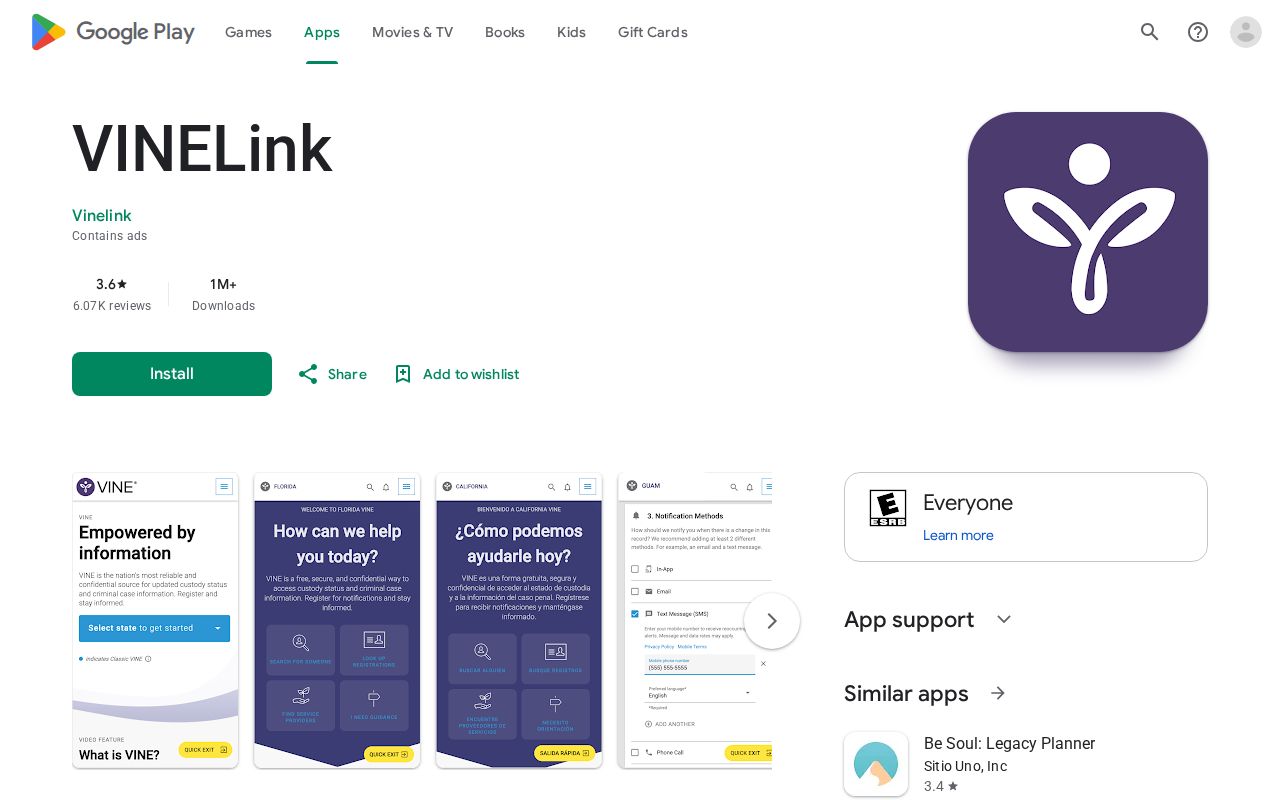
The official VINELink mobile listing offers another route to search and notification tools. Its screen shows the general service. It does not confirm Greene County participation.
Never rely on a single contact method for a safety plan. Phone numbers change, email gets filtered, and service can drop out. Review the entered information often, and keep the relevant agency number as a backup path. In an emergency, call 911. An app or alert registration is not an emergency service.
No Greene VINE Result
The sheriff's site lists no confirmed Greene County VINE participation, and that is the key local limit. The right fallback is a chain of official checks, not a broader guess. Start with the sheriff's public inmate route for a recent booking. A blank result there also needs care, since the page may simply carry no current entries. Next, call the Greene County Jail at 205-372-3152 or the Sheriff's Office at 205-372-3242.
Give the office the approximate arrest date and the arresting agency if you know it. Eutaw Police Department and the sheriff may each hold different parts of the record. The arresting agency handles its incident or arrest report, while the jail is the better contact for custody and booking questions. That split matters in Greene County, where the local news digest separates Eutaw police entries from sheriff entries.
Separate Greene Custody Systems
Match the tool to where the person actually is. Someone freshly booked into the Greene County jail shows up in local sources first. A person sentenced to an Alabama prison is a different matter entirely; that search belongs with the Alabama Department of Corrections inmate search. Federal prisoners sit in yet another system, the Federal Bureau of Prisons locator. None of these databases feed into a single statewide roster, so a transfer can leave a gap where the old record fades before the new one appears.
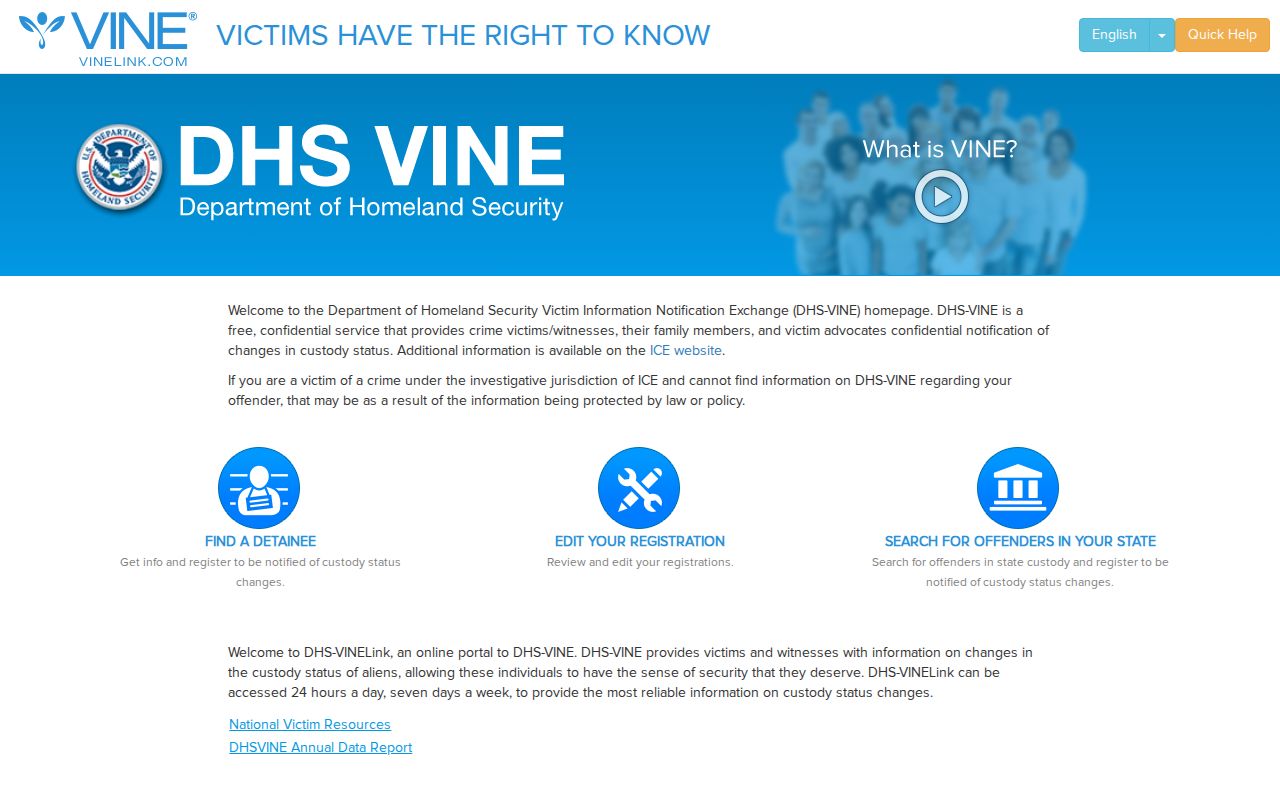
Immigration custody is separate too. The DHS-VINELink source handles those inquiries, and it should never be confused with the ordinary state and local VINE path that Greene County arrest searches use.
The Alabama Department of Corrections runs its own victim-notification form for state prisoners. That form is not Greene County VINE, and it will not work as a general county booking alert. Once a person moves from the Greene County jail into state prison, check the new status through ADOC and rely on whatever notification route applies at that later stage of custody.
Alerts Are Not Case Outcomes
Alert categories vary by deployment. Some local VINE setups offer transfer, escape, or release notices, but Greene County's exact categories appear only in its own official VINE materials. An Alabama example exists on an official Morgan County VINE page, which lists several alert types plus a local number. Treat it as comparison material only. Morgan County's setup proves nothing about a Greene County phone line, facility label, or participation.
Custody and court outcomes answer two different questions. Bond can free a person while charges stay pending, and a transfer simply moves someone to a different jail or prison. Acquittals, dismissals, pleas, and convictions surface through the court process, never through an alert. So hold onto the VINELink record number, note when each message arrived, and confirm the case separately whenever legal status matters.
Timing shapes what a family member or victim actually sees. Booking begins when jail staff receive and enter a person, not the moment an officer makes the arrest, so a VINE record, a feed, and a court docket can each update at different points. Greene County publishes no official update schedule for its inmate endpoint. If the arrest is fresh, note the time of each check and call the jail directly. For an older event, ask whether the person was released or transferred. For a sentenced prisoner, search ADOC with the state identifier on hand.
Know which event actually requires action. A custody-change message may warrant a quick call to confirm the new facility, but it is not notice of every hearing or court deadline. Court notices arrive through the court and counsel, and true emergencies belong with 911. Keep those channels distinct from automated alerts.
A careful Greene County search treats VINE as one layer, not the whole answer. Start with a precise match, add alerts where registration is available, and back up any uncertain or urgent custody result with the jail, the sheriff, or whichever agency holds the person at that later stage.
Public Record Search
Sponsored Results